Finac Overview: Modules and Client Dashboard
Finac is a finance and compliance platform for businesses in India. Bank statements, purchase bills and sales invoices are uploaded once, and Finac records the entries, keeps the ledgers current, and prepares the GST, TDS and reporting views from the same data. This page describes how the application is organised and where each function lives, with links to the detailed guide for each module.
On this page
- How Finac is organised
- The Client Dashboard
- Modules and what they do
- Tools outside a client
- Frequently asked questions
How Finac is organised
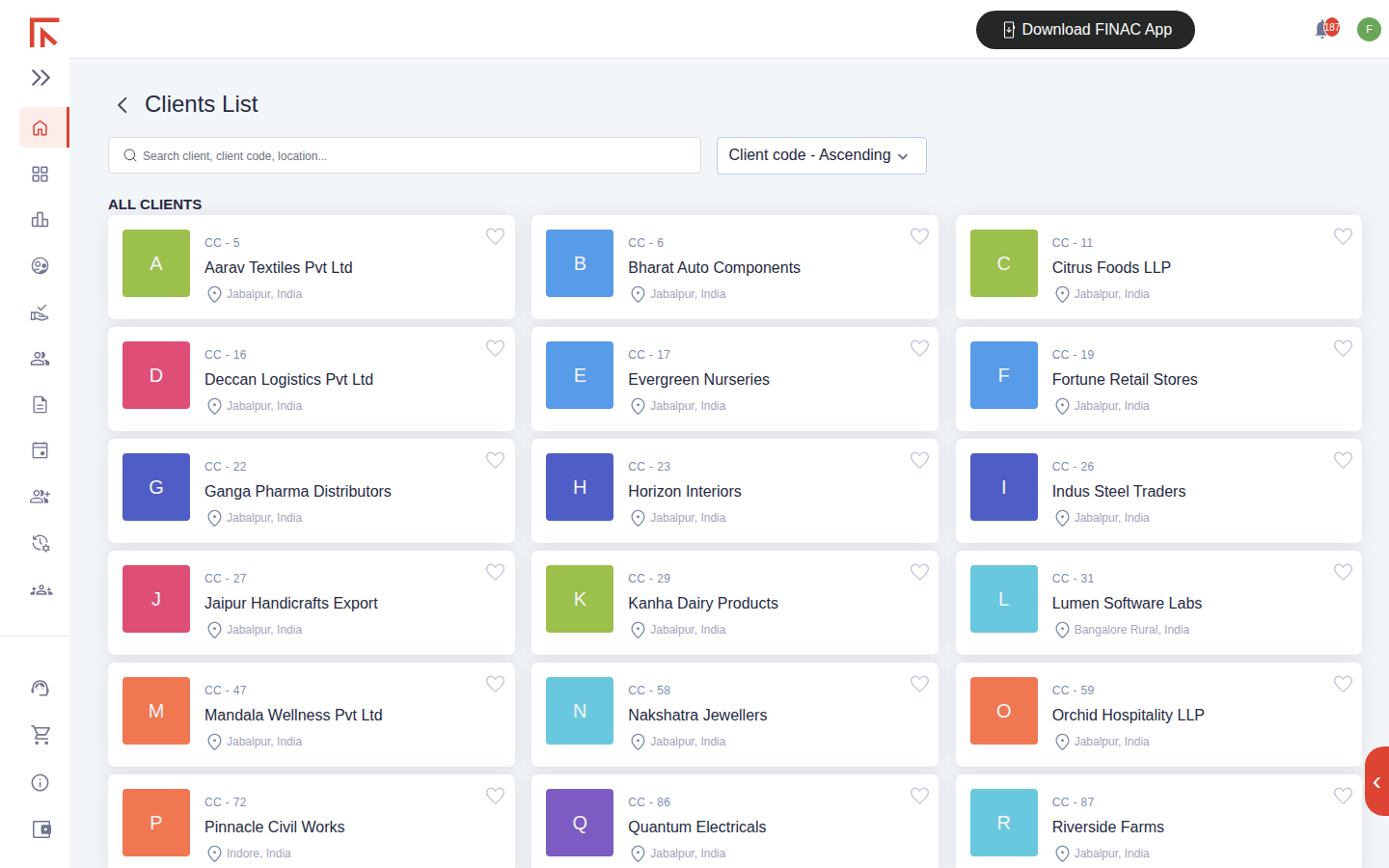
Finac works at two levels. The Clients List is the landing page after sign-in and shows every business you have access to, one card per client with its client code, name and location. Everything that belongs to one business, its invoices, ledgers, GST data, reports and settings, sits inside that client's Client Dashboard. Accountants managing several businesses move between clients from the Clients List; a business owner with a single entity usually sees one card.
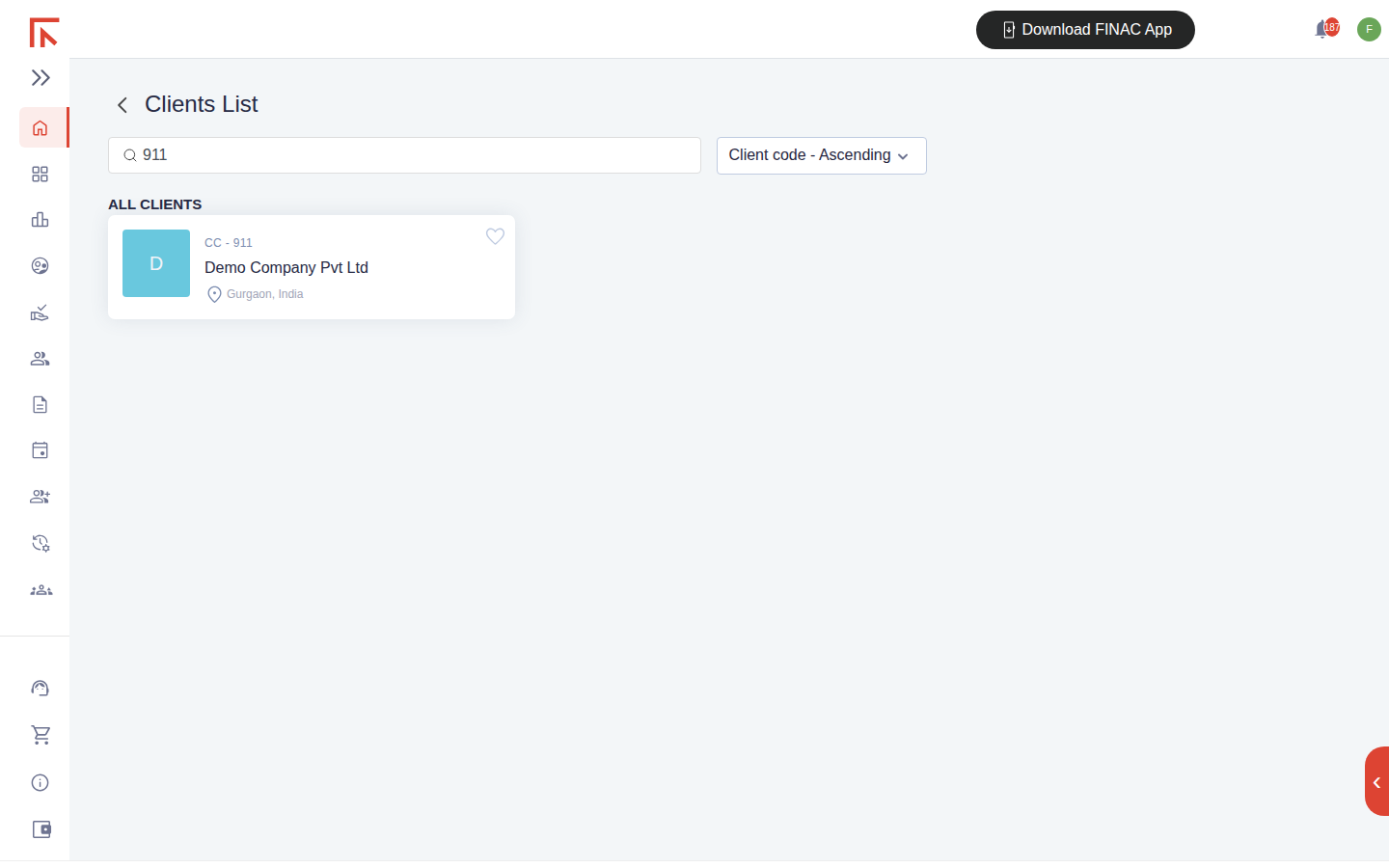
To open a business, type its name, client code or location in the search box and select the card.
The Client Dashboard
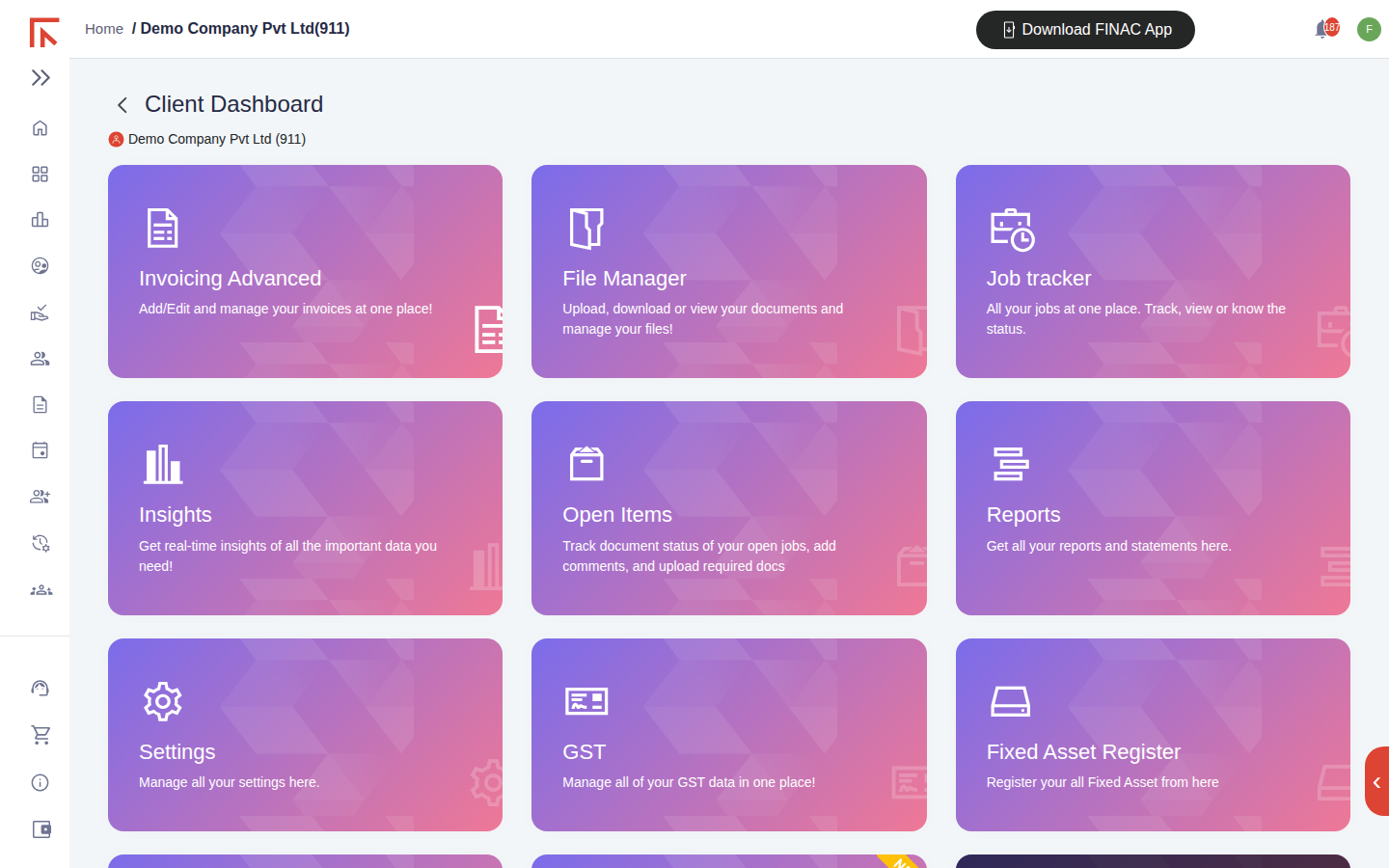
The Client Dashboard is a grid of tiles, one per module. The client's name and code appear under the page title so it is always clear which business you are working in. Tiles marked Request Access are modules not yet enabled for that client; selecting one sends a request to the Finac team.
Modules and what they do
| Tile | What it holds | Guide |
|---|---|---|
| Invoicing Advanced | Expense invoices, sales invoices, other entries (journal vouchers and bank transactions) and manufacturing journals. Bank statements are uploaded here. | Invoicing Advanced, Uploading Bank Statements and Bills |
| File Manager | Document storage for the client, organised in folders by financial year or return type. | File Manager and Insights |
| Job tracker | Compliance jobs such as GSTR-1, GSTR-3B, income tax return and annual audit, with target dates, the person responsible and status. | Job Tracker and Open Items |
| Insights | A summary view of sales against expenses, liabilities and assets for the financial year. | File Manager and Insights |
| Open Items | Documents the client has been asked to provide for a job, with due dates and status. | Job Tracker and Open Items |
| Reports | Financial statements (trial balance, profit and loss, balance sheet, ledgers, ageing), management reports and stock reports. | Understanding Your Reports |
| Settings | Business addresses and GST registrations, the customer and supplier master, accounts, stock units, departments, batches and invoice templates. | Client Settings Overview |
| GST | Outward supplies, input tax credit, GSTR 2A and 2B, notices, and the GSTR-1 and GSTR-3B forms. | GST Filings in Finac, Filing GSTR-1 |
| Fixed Asset Register | The asset register, physical verification and audit sessions. | Fixed Asset Register Deep Dive |
| SOPs | Standard operating procedures stored against the client for the team to follow. | Standard Operating Procedures (SOPs) |
| TDS/TCS | TDS payable entries derived from expense invoices, with section, rate and threshold tracking. | Guide to follow |
Tools outside a client
Two items in the left navigation are not tied to a client. Services holds the IFSC, bank account, GST and PAN lookups used to verify a counterparty before recording it. Support lists the toll-free number, email address and WhatsApp number for the Finac team, and WhatsApp is also an accepted channel for sending in bank statements and bills.
The Download FINAC App button in the header links to the mobile application. Physical verification of fixed assets, which involves scanning asset QR codes, is carried out in the mobile application rather than in the browser.
Frequently asked questions
Do I need to enter transactions manually?
No. Upload the bank statement or bill and Finac records the entries. Manual entry is available in Invoicing Advanced for the occasional document that arrives without a file.
Why does a tile say Request Access?
That module has not been enabled for the client. Select the tile to request it; the Finac team enables it on the client's plan.
Where do I change the business's GST registration or address?
In Settings, under Business Address. Each registered address carries its own GSTIN, and GSTR-1 and GSTR-3B are prepared per GSTIN or branch.